How to Use the Virtual Tour

Use your mouse, keyboard, and hotspots to explore.

Mouse

Click and drag to look around

Scroll to zoom in and out

Click on the ground to move around

↑
← ↓ →

Keyboard

Use arrow keys or W A S D to move

Press Esc to exit fullscreen

Hotspots

First, activate the hotspots

Click glowing hotspots to move through the tour

Some hotspots open information or enter new spaces

Look for glowing markers throughout the tour.
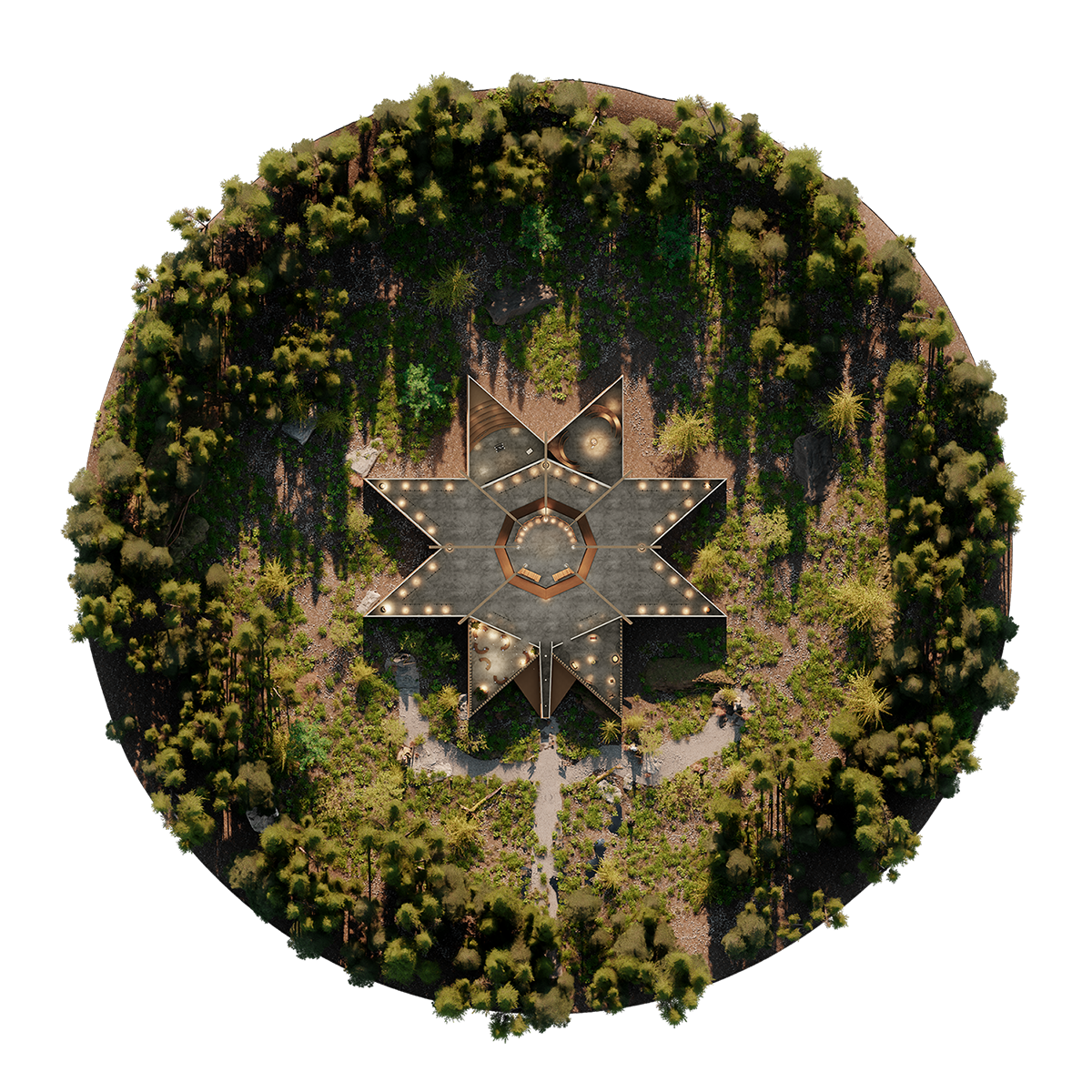
Museum Map
  • Welcome
  • Exterior Start
  • Interior Entry
  • The Witness Blanket
  • Bear Witness and Reflect
  • About the Project
  • Stewardship Agreement
  • Additional Items
Show Hotspots Instructions Share the Witness Blanket Exit to Safe Space
Placeholder - Content to be added
Close
Your browser does not support the video tab